Photoshop Image Masking Service
Professional Photoshop image masking service for precise cutouts & flawless edits. Perfect for eCommerce, ads & more. Quick turnaround & affordable rates.
Boost Sales with Professional Photoshop Image Masking
Starting at $1.19 per image
What Is Photoshop Image Masking Service?
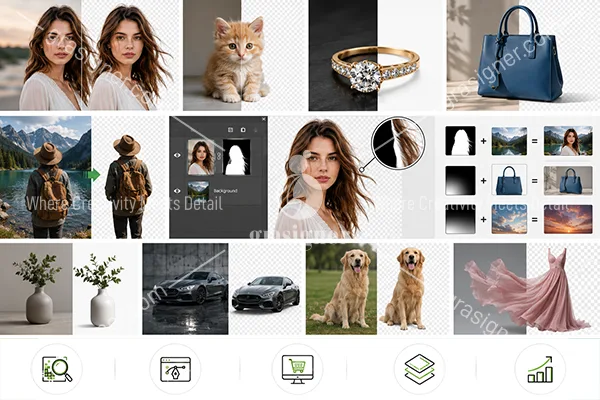
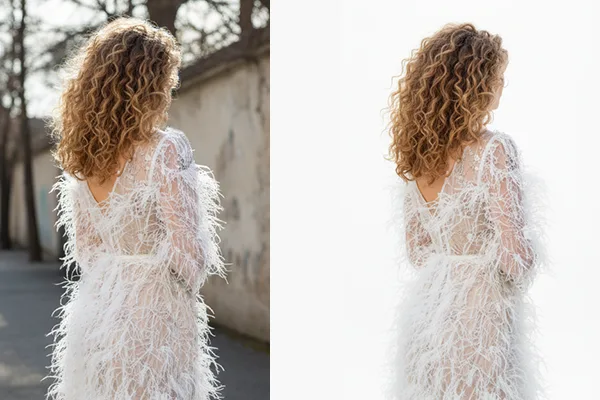
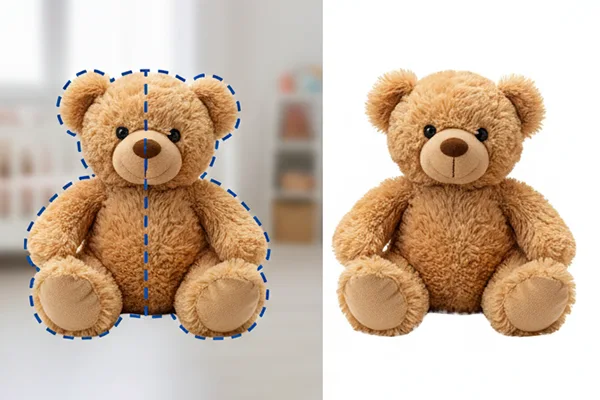
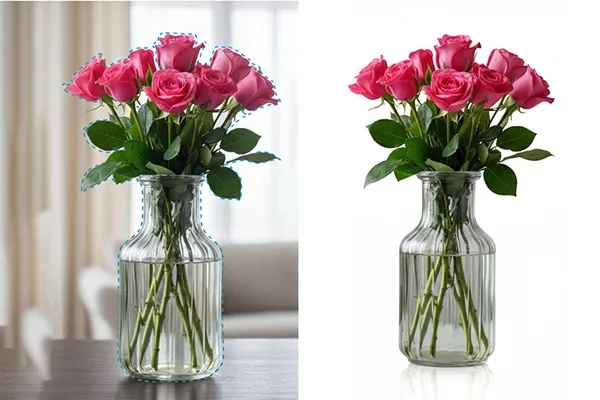
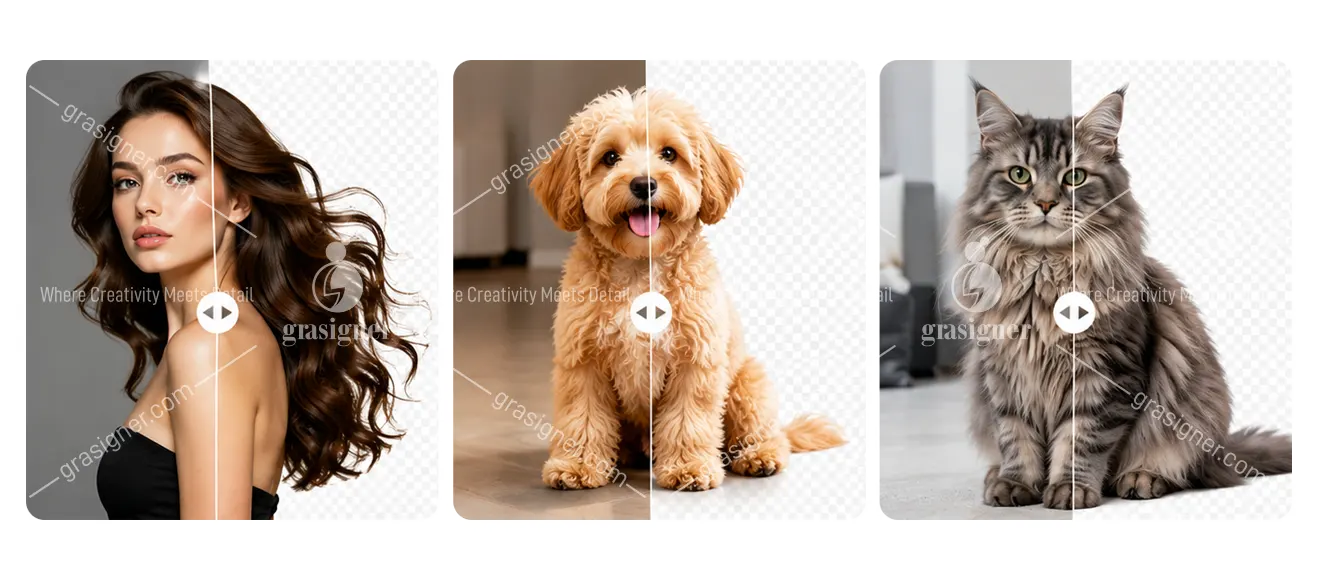
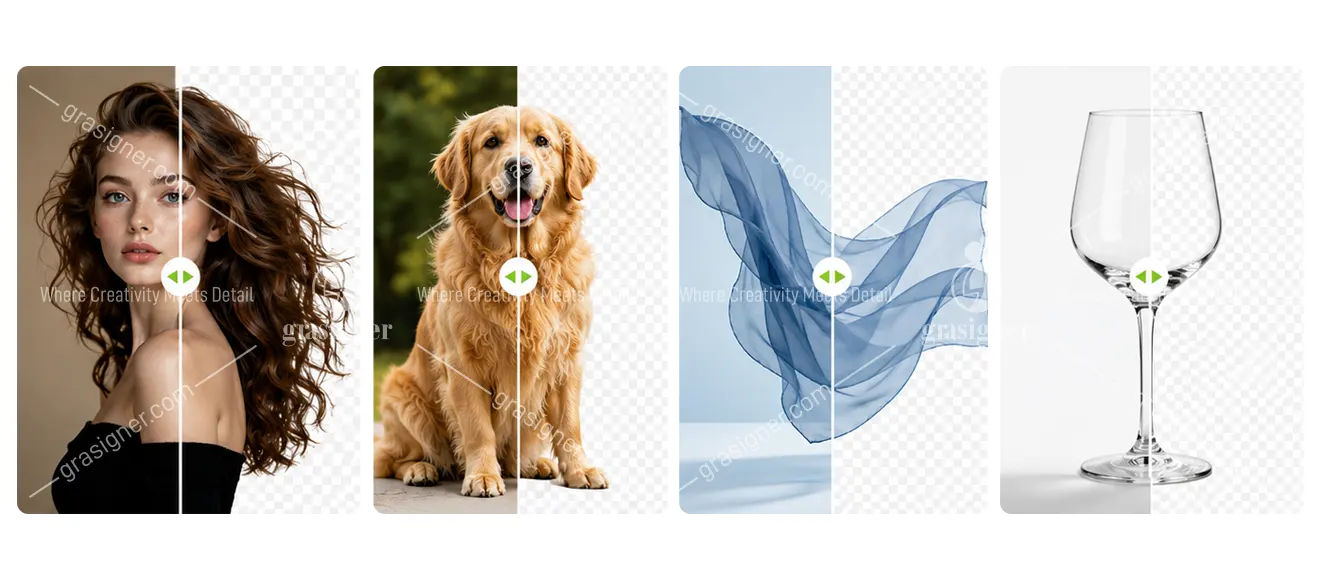
Photoshop image masking is an exact editing method that isolates objects and retains intricate details like hair, fur, lace, and transparency. Results are clean and natural, ideal for eCommerce, advertising and product photography.
Professional editors handle complicated images with sophisticated tools such as layer masks and alpha channels to deliver perfect backgrounds and realistic edges. Image masking is best suited for jewellery, clothing and complex products. It enhances the visual quality, gives a premium feel and increases online sales.
-
Maintains fine detail
-
Delivered clean pro results
-
Ideal for e-commerce images
-
Advanced masking tools.
- Boosts image quality & sales
Why do you need an Image Masking Service?
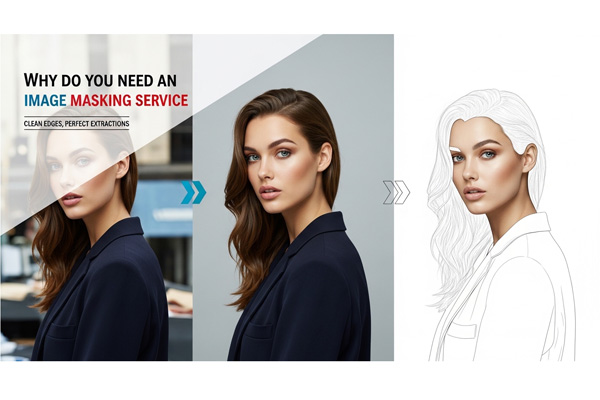
When editing photos, especially those with difficult backgrounds or fine details like hair, fur, or transparent objects, image masking is essential for accurate photo editing. An online image masking service is free and can give you professional results without expensive software or advanced skills.
If you are into e-commerce, photography, or graphic design, a simple image masking service can help you enhance your visuals, save time, and maintain quality. Masking makes your images look clean and professional. Perfect for clean cutouts, realistic shadows, and seamless integrations. Try it today for the perfect edit!
-
Preserves fine detail
-
Great background remover
- Improved image quality and attractiveness
Get Flawless Photos with Our Expert Image Masking Service
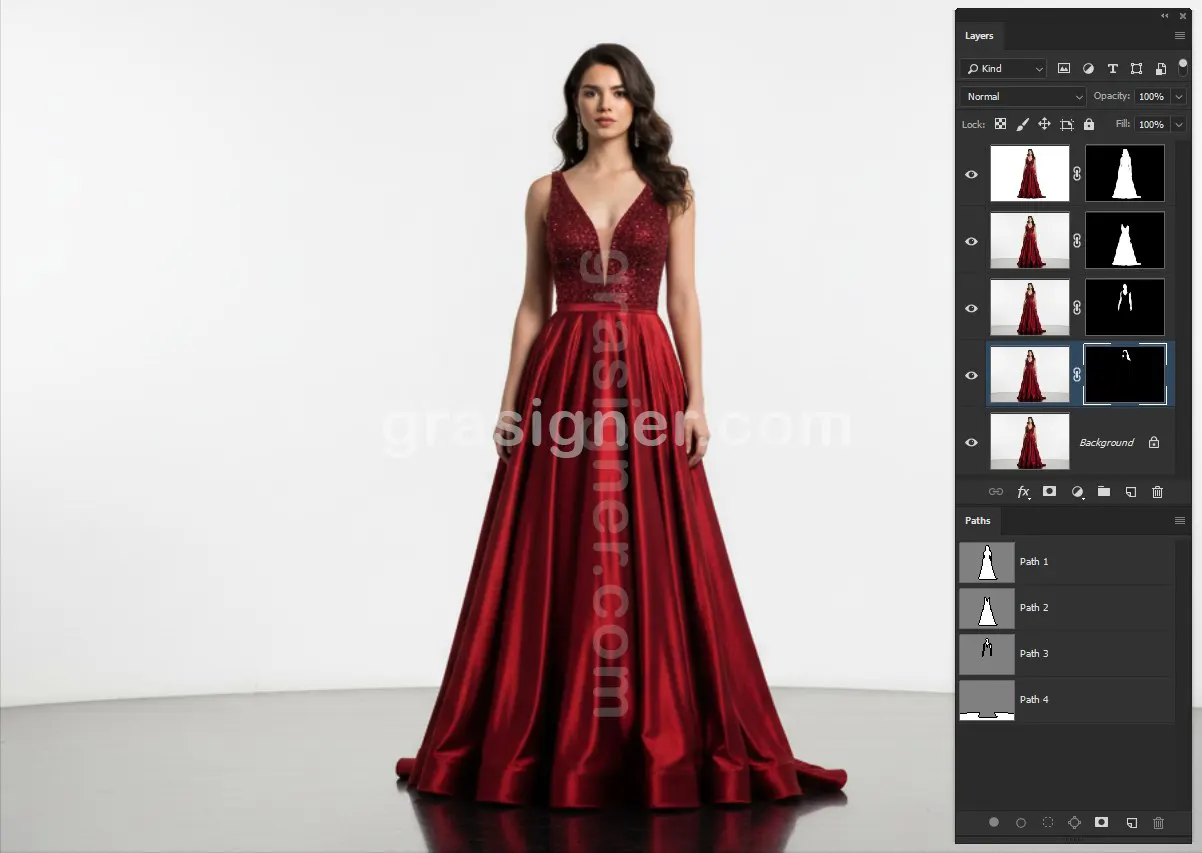
Layer Masking
Learn Photoshop layer mask skills for non-destructive editing! With a Photoshop mask layer you can gradually hide or reveal parts of an image, perfect for blending, adjustments and composites.
Layer masking in Photoshop guarantees a non-destructive workflow if you’re after accuracy in portraits, graphics or creative effects. Great for designers and photographers looking for clean and professional edits. Learn to use layer masks for perfect, flexible control of your images.
-
Editing with Layer Masks (Non-destructive)
-
Easily Show/Hide Parts of Pictures
-
Great for blending, tweaks and effects.
- Professional & Flexible
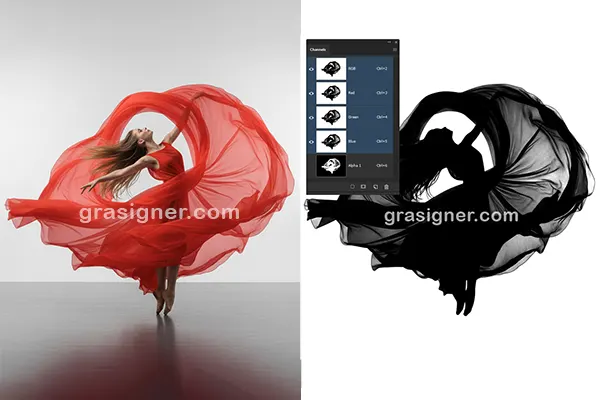
Alpha Channel Masking
Master perfect transparency control with alpha channel masking methods! In Photoshop you can save a complex selection of hair, smoke or glass with soft edges with an alpha channel mask. The alpha channel mask in After Effects is a tool used in motion graphics that allows for seamless compositing and dynamic effects.
Alpha channel masking is the perfect tool for high-end photo edits, VFX & digital art. It guarantees professional results with clean cutouts. Advanced masking for perfect visuals. Great for designers and editors who demand accuracy.
-
Precise transparency control
-
Nice for fine details
- Clean professional cutouts
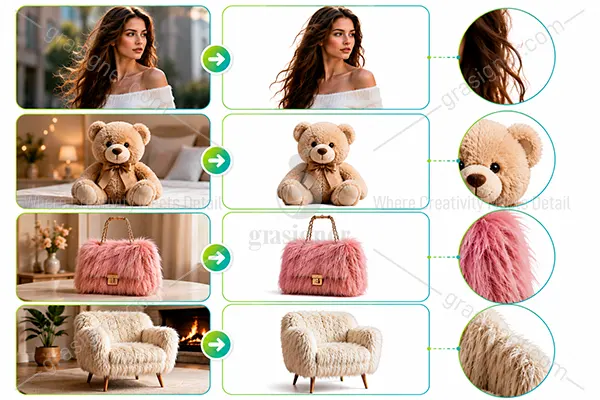
Fur & Hair Masking Service
Looking for perfect hair cutouts? Our hair masking service delivers pixel perfect results for fur, wispy strands and complex edges for portraits, fashion and pet photography. Save time and boost quality by outsourcing hair masking services to our expert editors.
We make sure that the selections look natural and have lots of detail for advertisements, e-commerce or creative projects. Studio-level masking, without the fuss. Ideal for photographers and brands.
-
Pixel perfect hair & fur cutouts
-
Works on wispy strands & difficult edges
-
Results that are natural and studio-quality
- Great for portraits, fashion & eCommerce
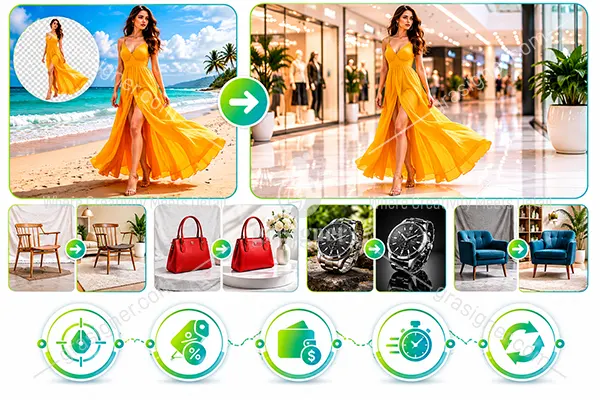
Photoshop Collage Masking
Basically, it is the process of combining different objects from different backgrounds into one image. Photoshop collage masking allows you to place an object onto a new background and create a completely new photo.
For example, a model can be moved from a beach scene to a shopping mall using this technique, giving a natural and realistic result.
-
Accurate and clean finishing
-
Discount available on bulk orders
-
Flexible and affordable pricing
-
Fast turnaround time
- Unlimited revisions for your satisfaction
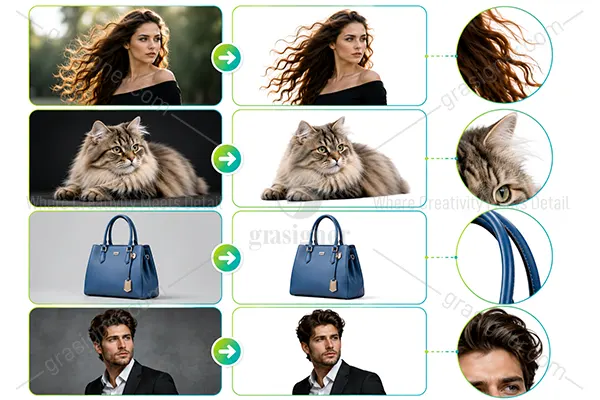
Refine Edge Masking
In Photoshop, get ultra-precise cutouts with an edge mask refined! Our refine mask edge technique is perfect for tricky selections such as hair, fur, or fine details, and guarantees smooth, natural edges every time – whether you’re retouching portraits or enhancing product photography.
Photoshop refine edge tools help you get professional results in no time. Ideal for photographers and designers who demand perfection, turn rough selections into flawless masks with pixel-perfect precision!
-
Super-Accurate Hair & Fur Cutouts
-
Seamless, natural, flawless edges
-
Perfect for portraits & product photography
- Professional, pixel-perfect works.
Contact Us Now to Avoid Delays

Lose Customers And Clients
Don’t let poor images cost you clients—our clipping path services deliver professional, high-quality visuals that build trust and drive sales.
Ruin Your Brand Image
Elevate your brand with stunning, high-quality images—our expert editors ensure visuals that captivate and leave a lasting impression!
Miss Deadlines
Skip the stress and missed deadlines—let us handle color correction, clipping paths, and edits while you focus on success!
Spend Loads Of Money
Get premium, hand-drawn clipping paths and flawless edits without breaking the bank—affordable quality, stunning results!
Our Latest Clients Reviews
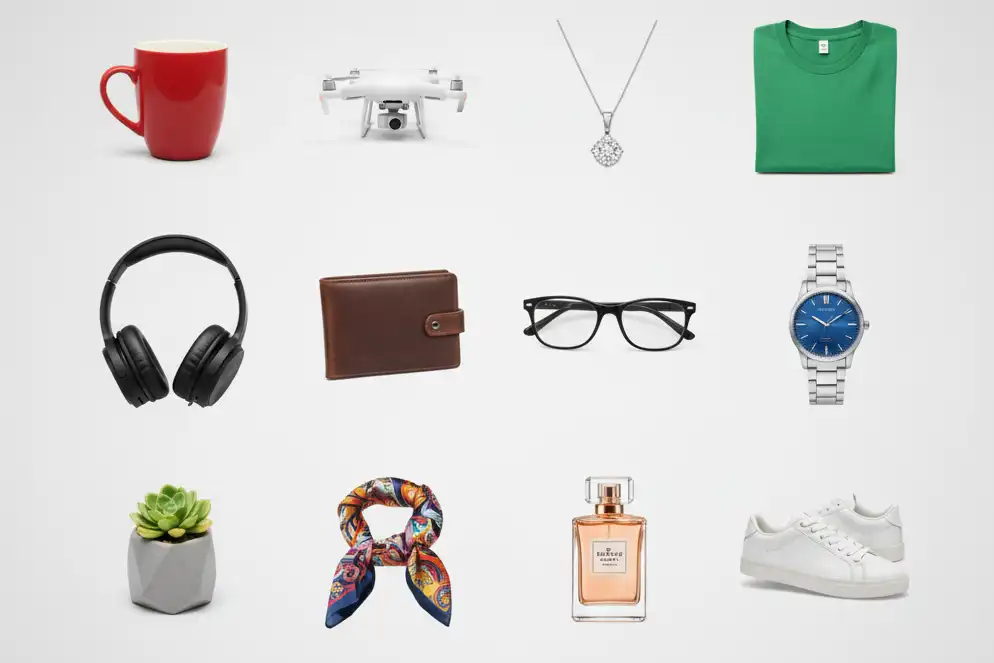
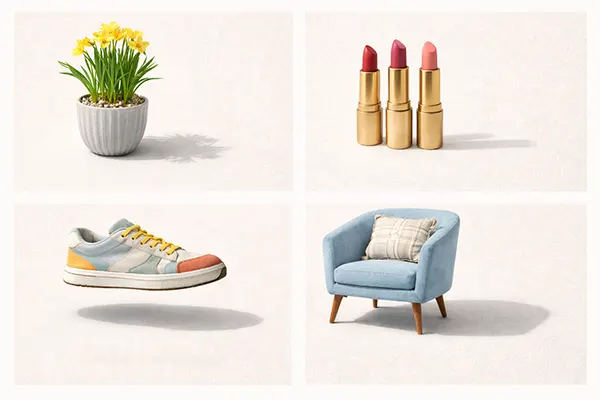
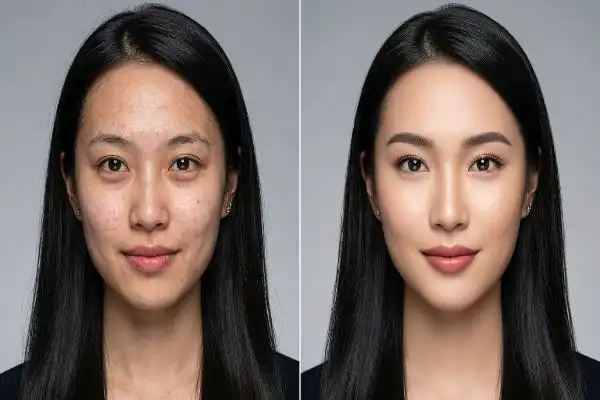
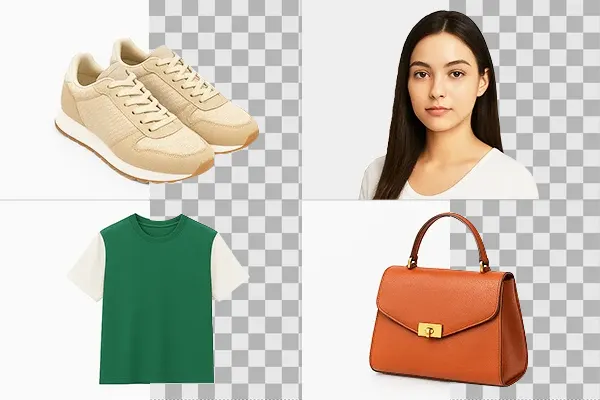
Explore our work!
Take a closer look at our professional Photoshop Image Masking Service work — precision, quality, and perfection in every image.
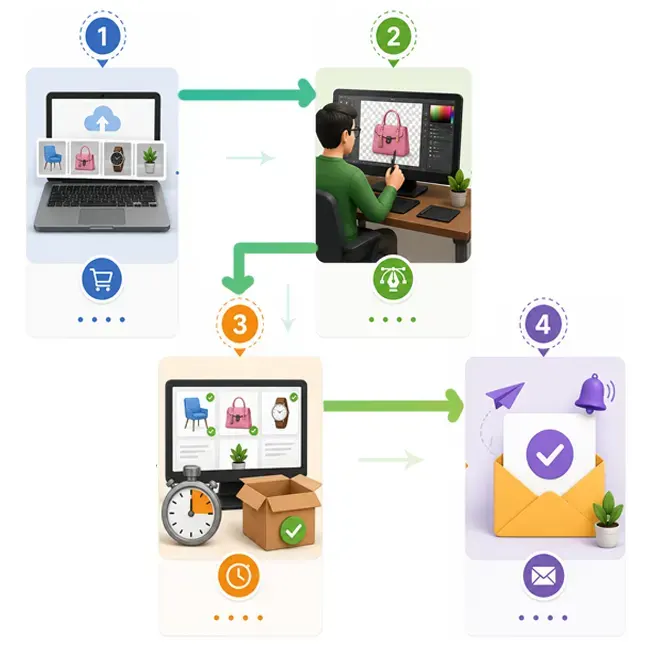
How It Works?
Order your edits
Upload your images. Tell us a bit about what you need, and get a clear, budget-friendly price on the post.
Our designer edits your images by hand
Our pro designers will tackle those tedious image edits, while you get back to the fun stuff.
Get your images back in as little as 6 hours
We’ll double-check your images to make sure they’re pixel perfect, and then send them right over.
You will received a notification email
As soon as your job is finished, we will send you an email. So, be relax and have fun!